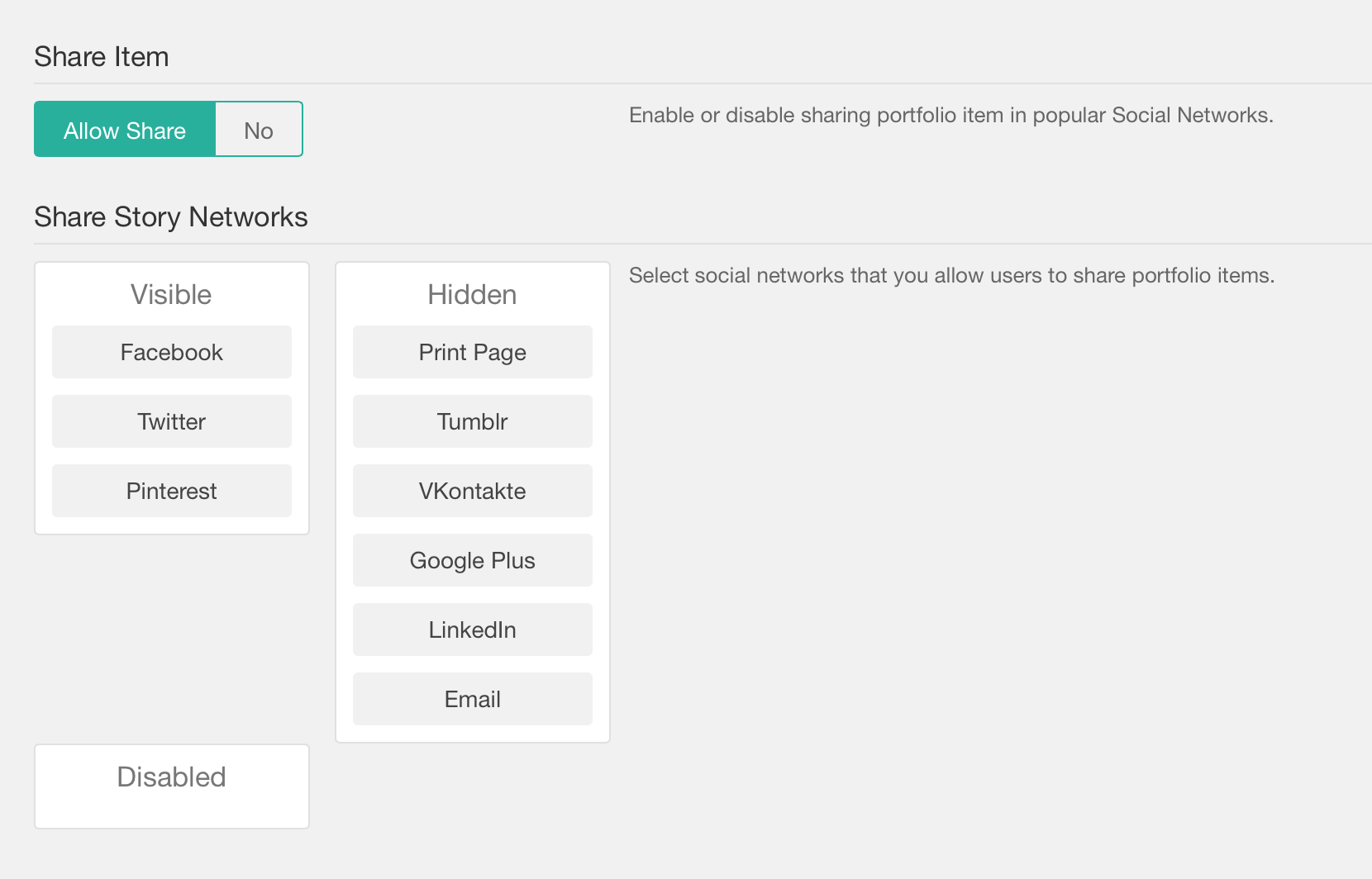
Enable/disable item sharing Category Portfolio Last modified January 5, 2021 To enable or disable the sharing of the items go to Laborator > Theme Options > Portfolio Settings and scroll down to the Share Item and click Allow share or No to disable it. Was this article helpful? Yes No